
Hierarchy
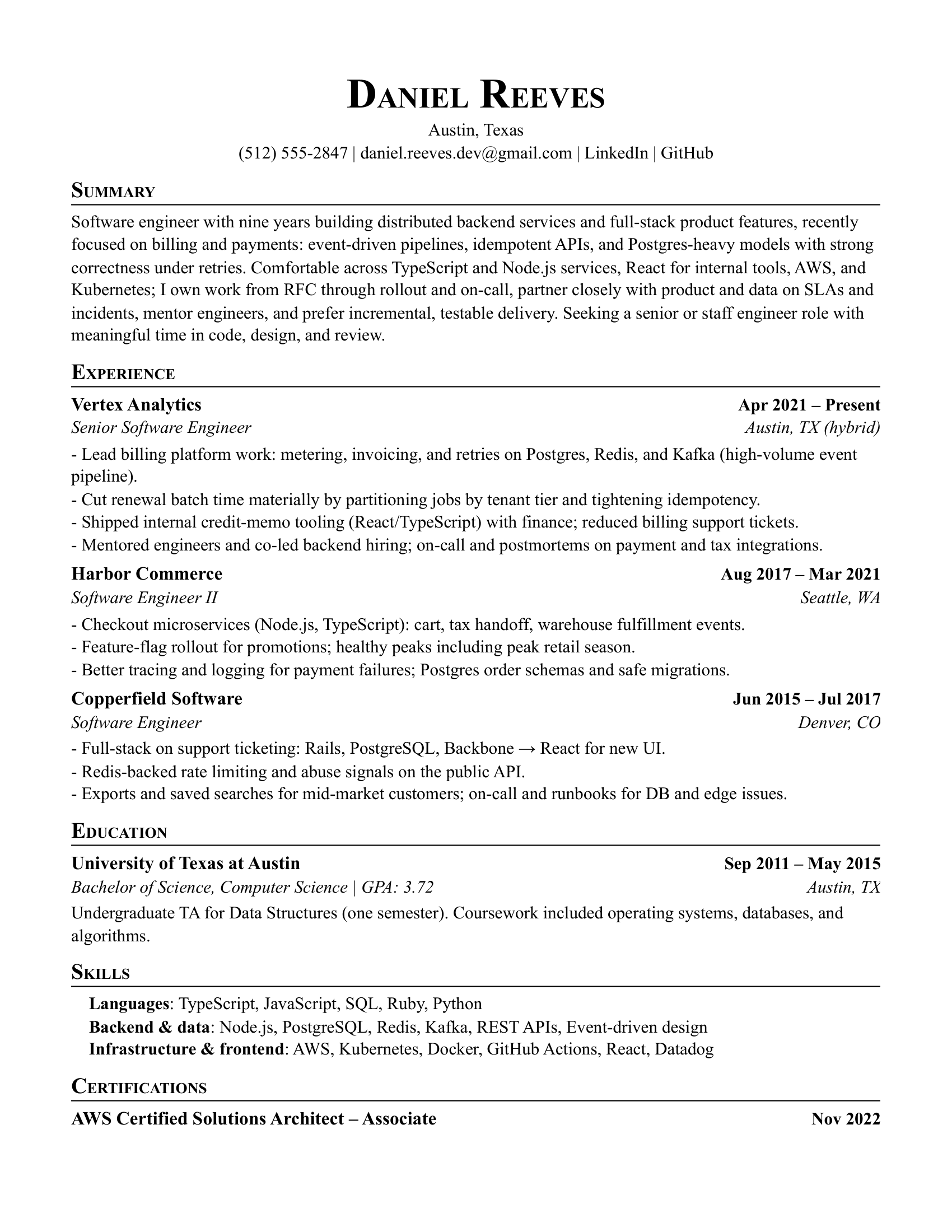
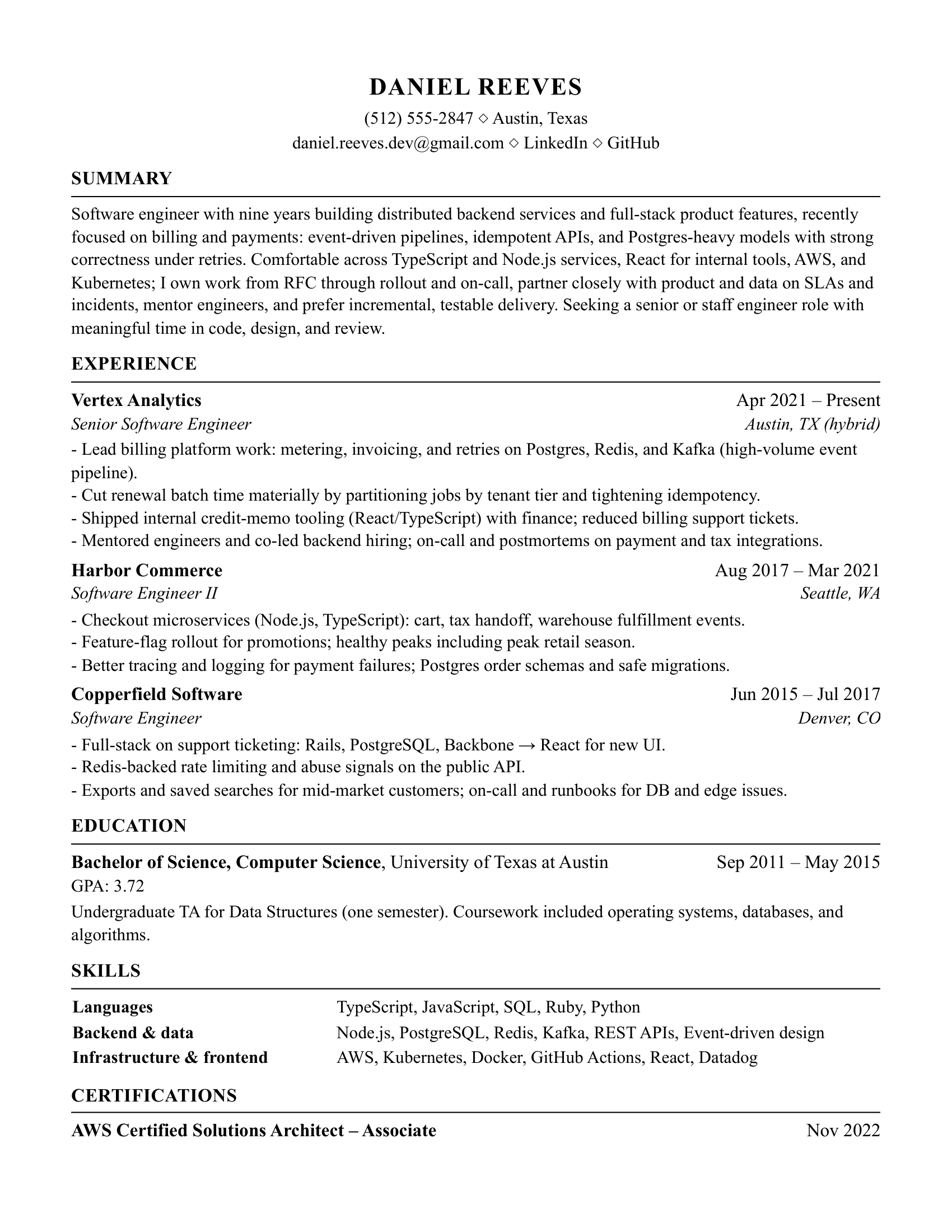
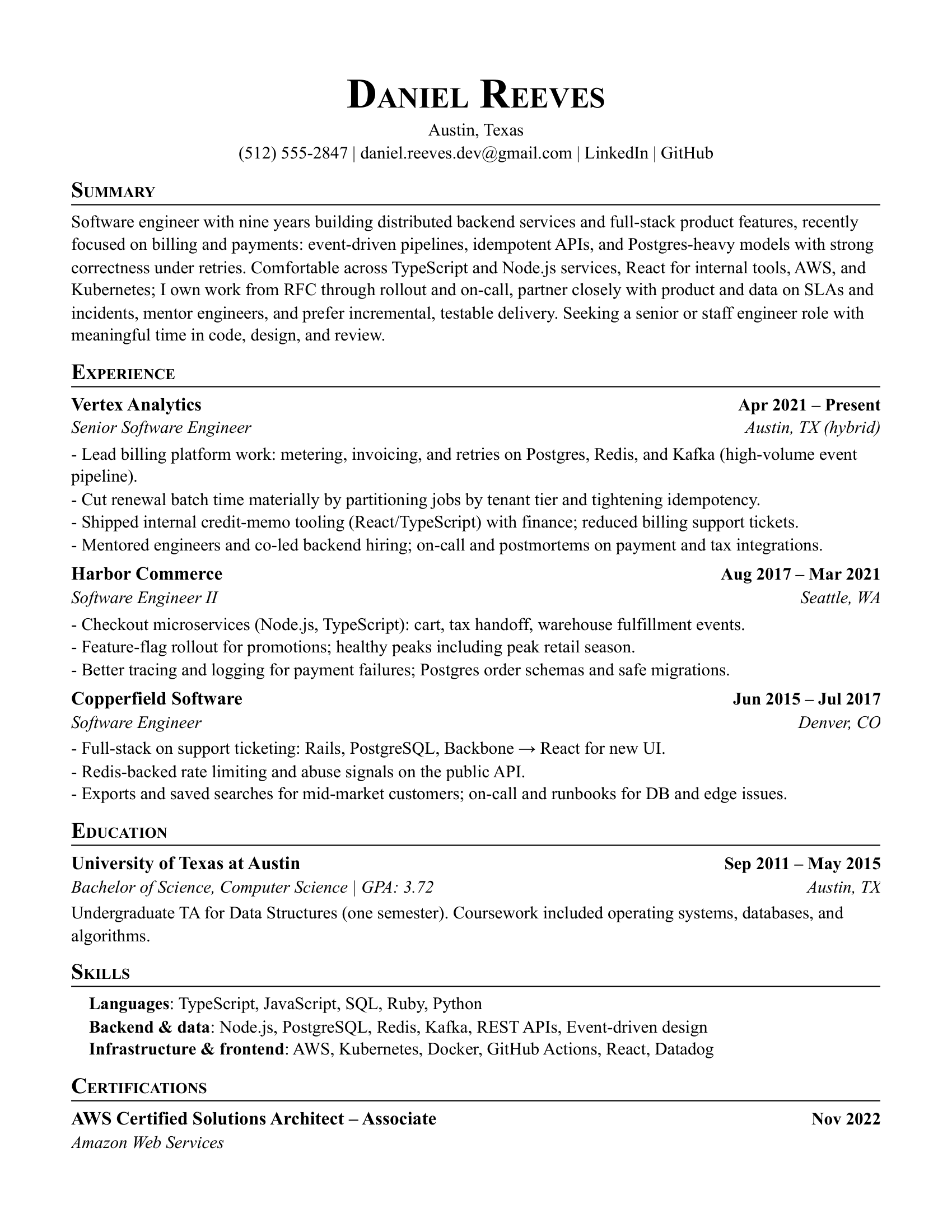
Name, role target, and current title findable in one glance; sections that announce themselves without decoration.
Explore modern resume templates with balanced spacing, sharp typography, and ATS-safe structure. Ideal for business, marketing, and cross-functional roles.
Not graphics and sidebars — hierarchy, whitespace, and type that make a busy reviewer's 30 seconds count.
Hierarchy
Whitespace
Type discipline
The line between polished and parser-hostile is thinner than it looks. These templates stay on the right side of it.
They date quickly, waste parsing real estate, and add bias risk — modern hiring teams don't expect them.
Headings and rules only. If the accent appears in body text, it's decoration, not hierarchy.
A modern layout puts your best evidence — not an objective statement — in the first third of the page.
Roles where presentation judgment is part of the evaluation, consciously or not.
Clean hierarchy signals the communication skills the job actually requires.
Teams that live in modern tools notice when a resume feels current — and when it doesn't.
The resume is a preview of the documents you'll put in front of customers.
Pair the right layout with strong content, then align keywords before each application.
Browse the full resume templates gallery, study resume examples for your role, and run a resume match check before you apply.
Free tools that show you exactly where your resume stands before you apply.
Choose the template that fits your level and industry, tailor the content, and export a polished PDF.